Solspot 2.0: Measure a Spot, See What Will Grow There
Solspot 2.0 is a new design built around one question: what will grow here? Lay the phone down and it measures, the reading speaks plant, and the plants that suit the spot come with the answer.
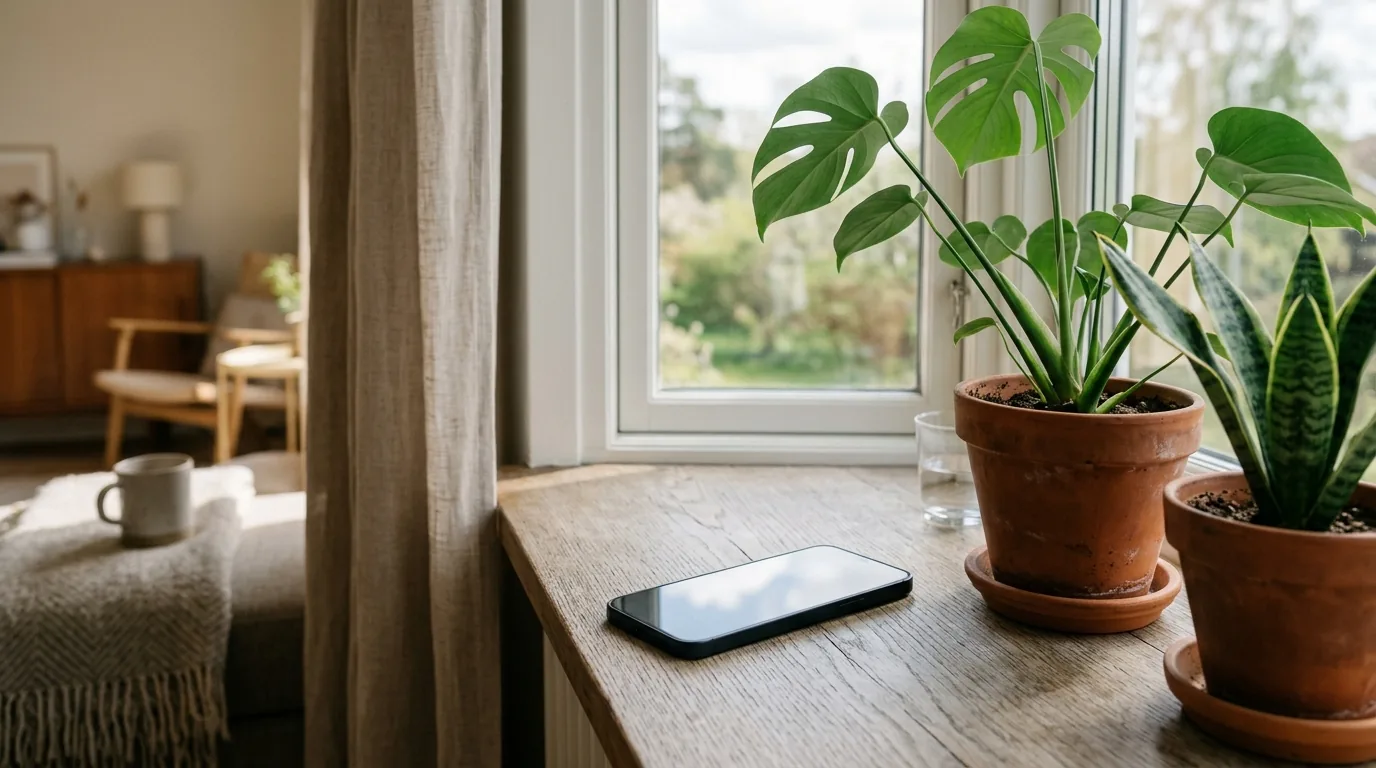
TL;DR: Solspot 2.0 is a new design. You lay the phone where the plant will stand and it measures by itself. The reading names the light the way plants feel it (gentle, medium, bright or full sun) with the lux beside it, and the plants that will love that spot come with the answer. The app now has three tabs: Measure, Plants and My home. The measurement engine has not changed, so your saved readings keep their values.
Solspot started as a light meter with a plant list attached. Through the 1.x versions it grew care reminders, saved spots, a year view, a plant doctor and more, and each one got a screen of its own. Version 2.0 puts all of that back in order around the question people actually open the app with: what will grow here?
Measuring starts when you lay the phone down
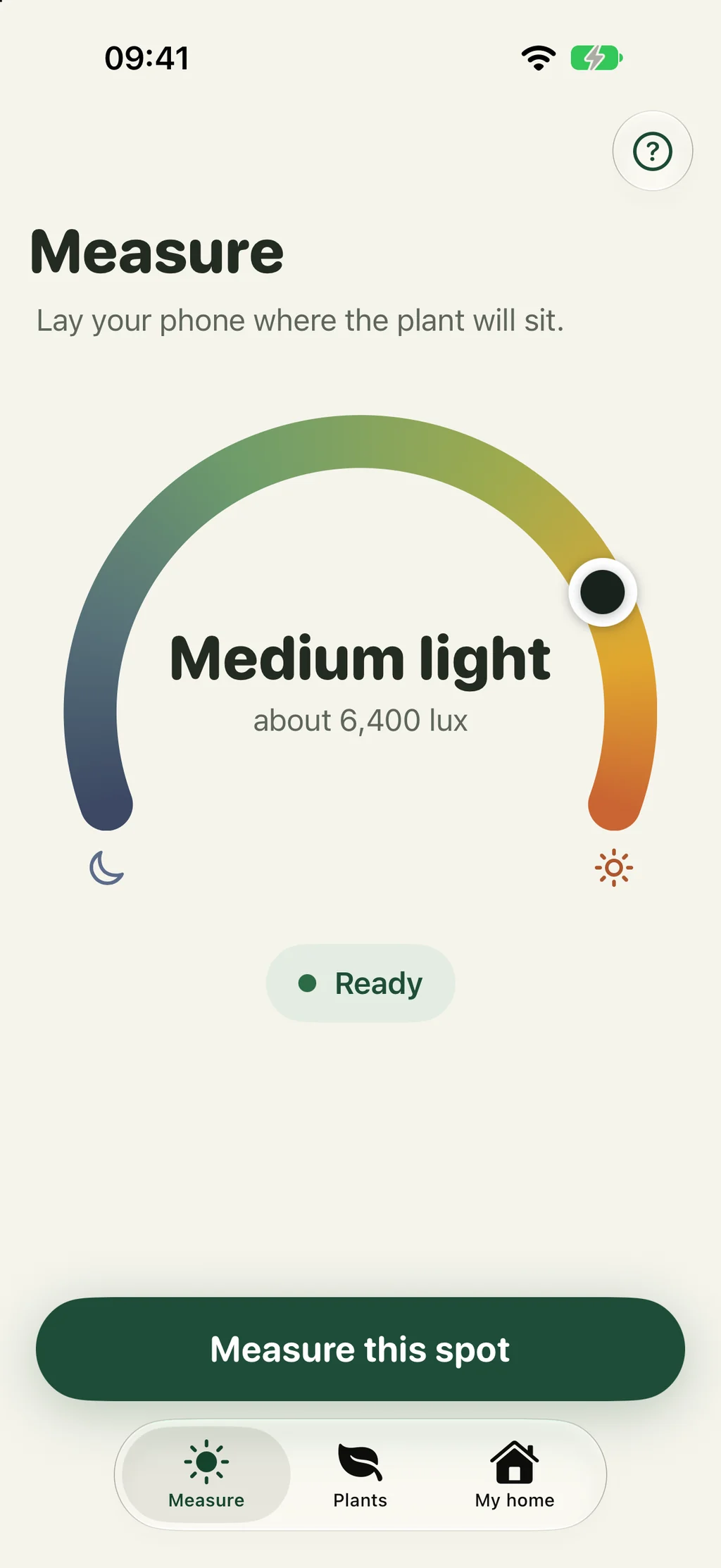
Put the phone flat where the pot will stand, screen facing up. A small drawing shows how flat it is, and once it is flat and the light is steady, the measurement starts by itself. A short countdown gives you time to step back, because a head leaning over the phone is shade, and shade is the most common reason a reading comes out too low.
If you prefer to start it yourself, switch off Start measuring by itself in Settings, under Measuring. The countdown stays either way.
The reading speaks plant again
Solspot 1.8 showed readings in lux only. Lux is honest, but "6,400 lux" does not tell most people whether a fern will be happy. 2.0 brings the light words back and keeps the number beside them:
| Light word | Lux |
|---|---|
| Gentle light | Under 2,500 |
| Medium light | 2,500 to 10,000 |
| Bright light | 10,000 to 20,000 |
| Full sun | 20,000 and up |
Above 20,000 lux the phone's camera cannot tell strong sun from stronger sun, so Solspot says "20,000+" there instead of inventing a figure.
The answer comes with plants
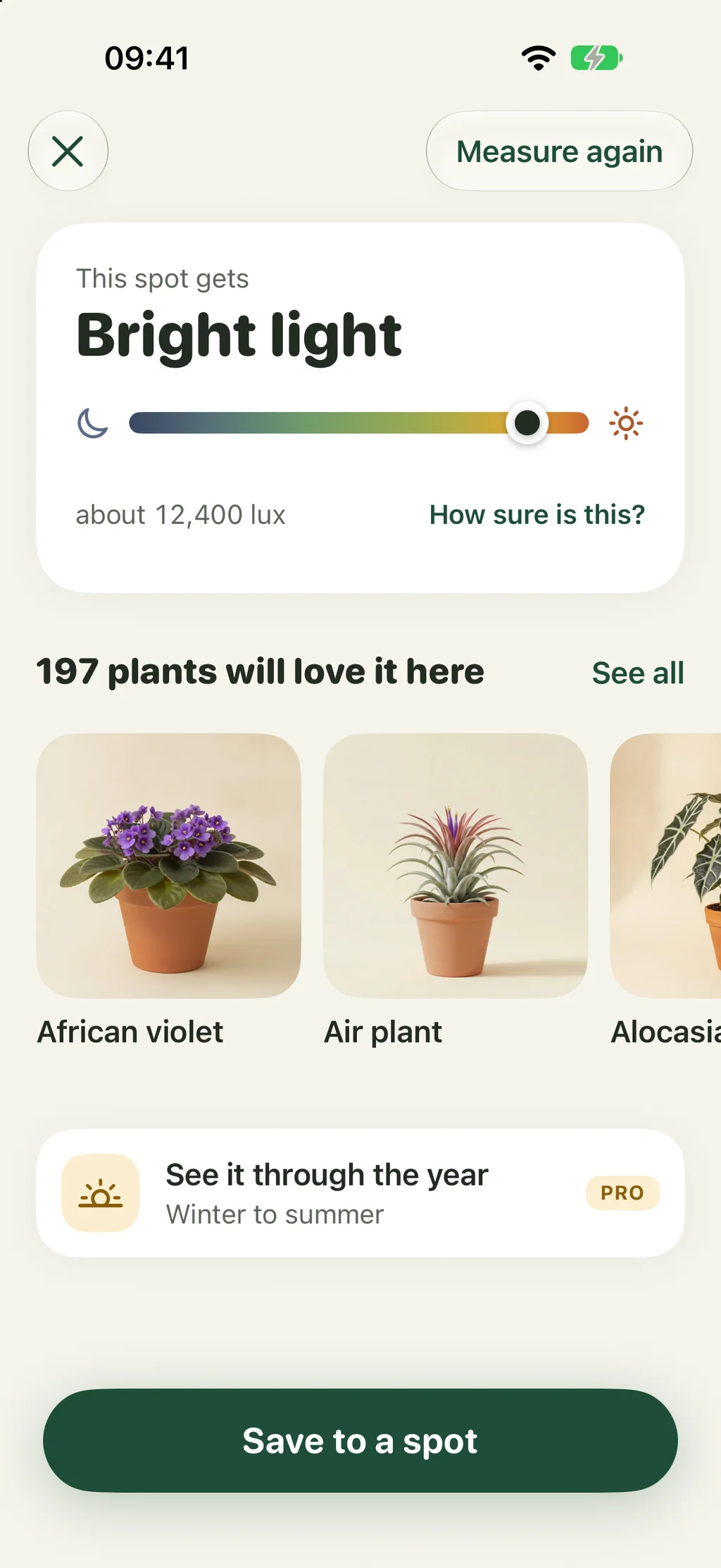
The result now shows the plants that will love the spot straight away, the best fits first. "How sure is this?" sits under the reading and explains the range in plain words: trust the kind of light, and treat the number as a rough guide. A phone camera is not a lab meter, and Solspot does not pretend otherwise.
When you are done, Save to a spot files the reading into a new spot or one you already have, so you can come back to it in another season.
Three tabs: Measure, Plants and My home
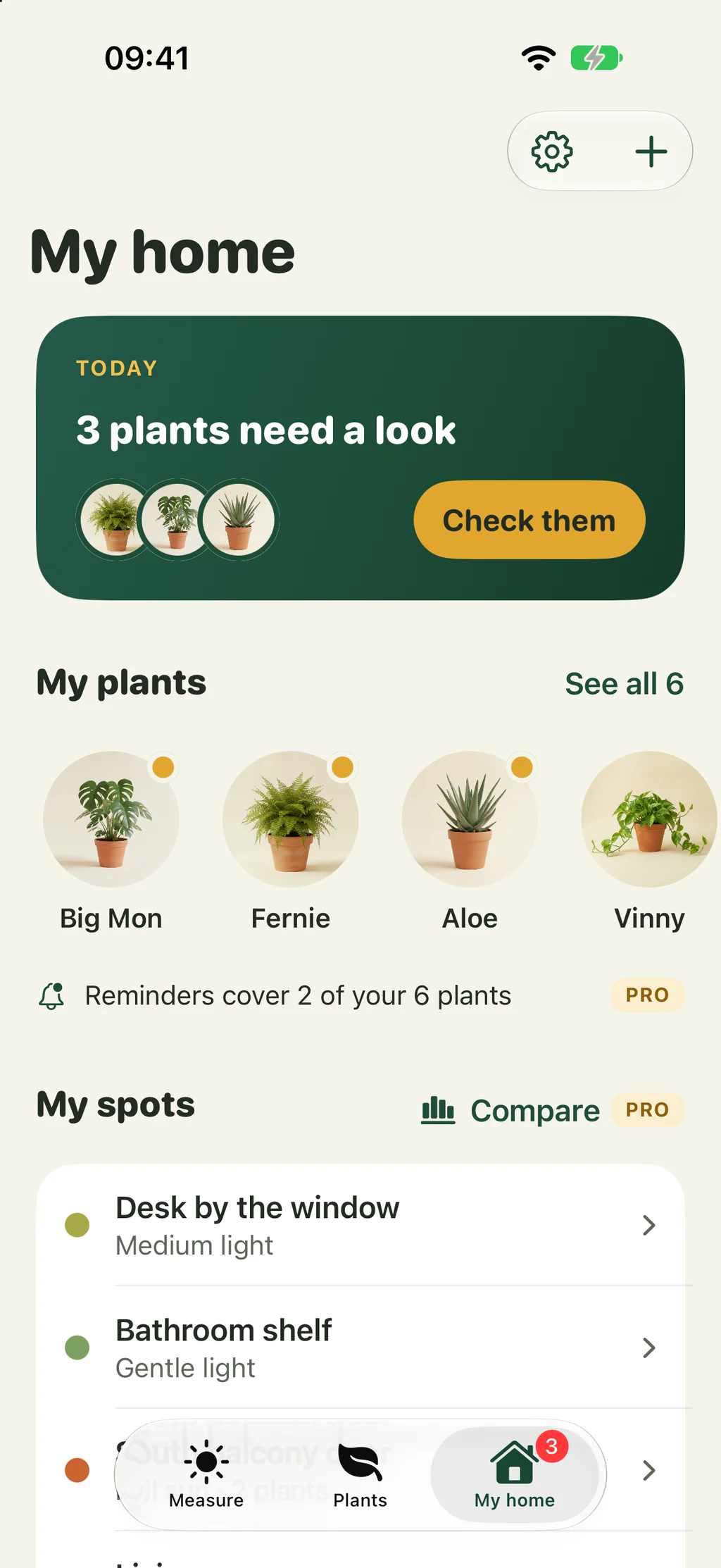
Measure is where every launch lands. Plants is the catalogue. My home keeps today's checks, your plants and your spots together, and Settings sits behind the gear in its corner.
When plants are due a look, Check them walks you through every one of them in a row: check the soil, say what you found, next plant.
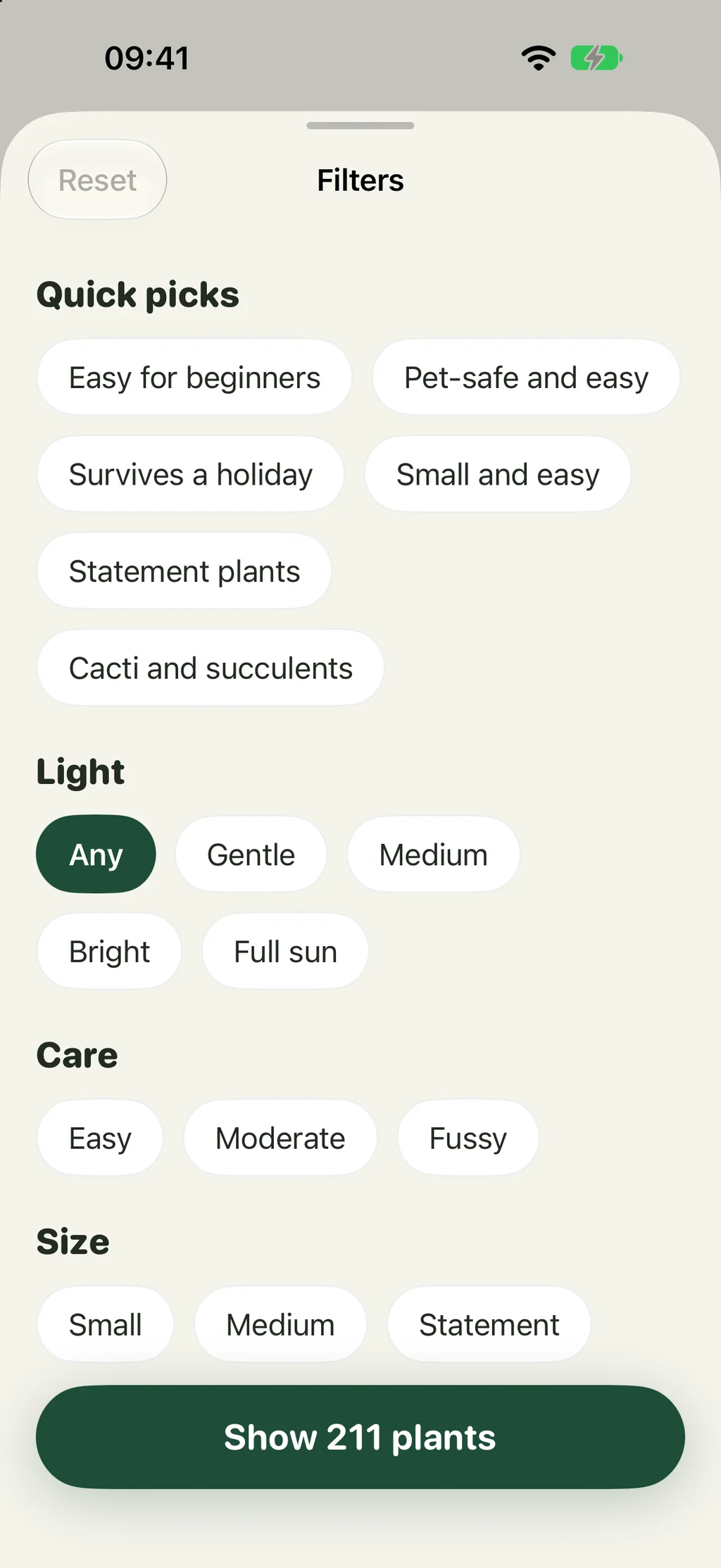
Plants: 211 species and a search that understands you
The Plants tab opens on all 211 species, the best-known first. Tap Fit to my spot and they are matched to a spot you have measured instead.
Search now reads what you mean, not only plant names. Try "big cactus", "pet safe fern" or "low light", and Solspot turns the words into filters. Filters open with Quick picks (easy for beginners, pet-safe and easy, survives a holiday, and others), and you can choose more than one light at a time.
There are also 11 new cacti, from the fishbone cactus to dragon fruit, and a Cactus filter that shows up where your light suits them. From any plant's page, Add to a spot puts it straight into one of your spots.
Outside where you live
Pick your town and Solspot shows the months a plant can stand outdoors there, worked out from the coldest nights of an average year. It is stricter than most people expect, and we wrote a separate article on why the coldest night decides it.
A widget for today's checks
A Home Screen and Lock Screen widget shows today's checks and your latest reading. Tap it and Solspot opens on the right tab.
What did not change
The measurement engine is the same one 1.8 shipped, so a spot you measured last month reads the same today, and every saved reading keeps its value. One bug is fixed: a reading could get stuck on "waiting for steady light" when the light changed while the meter was running.
The rules did not change either. Sunlight readings, the light word, plant matches, every filter and the buy links are free. Solspot Pro is an optional one-time purchase, never a subscription, and nothing that was free moved behind it. There is no account, and your plants, spots and photos stay on your phone.
If you are new to measuring light with a phone, start with how to measure the light in a spot. It covers where to put the phone, why you step back, and how far to trust the number.

Common questions
Is Solspot 2.0 a free update?
Yes. It is an update to the same app, and Solspot stays free to download. Light readings, including direct sun, plant matches, every filter and the buy links are free. Solspot Pro is an optional one-time purchase, never a subscription, and nothing that was free before 2.0 moved behind it.
Do my saved readings change in 2.0?
No. The measurement engine is the same as in 1.8, so every saved reading keeps its value. What changed is how a reading is shown: the light word is back, with the lux beside it.
Can I turn off the automatic start?
Yes. Settings, under Measuring, has a switch called Start measuring by itself. With it off, you tap Measure this spot as before, and the countdown still runs so you can step back.
Which devices does Solspot 2.0 run on?
iPhone and iPad with iOS 18 or later. On a wide screen, such as an iPad in landscape, the result sits beside its plants and the plant photo beside its details.
More from the blog
All articles →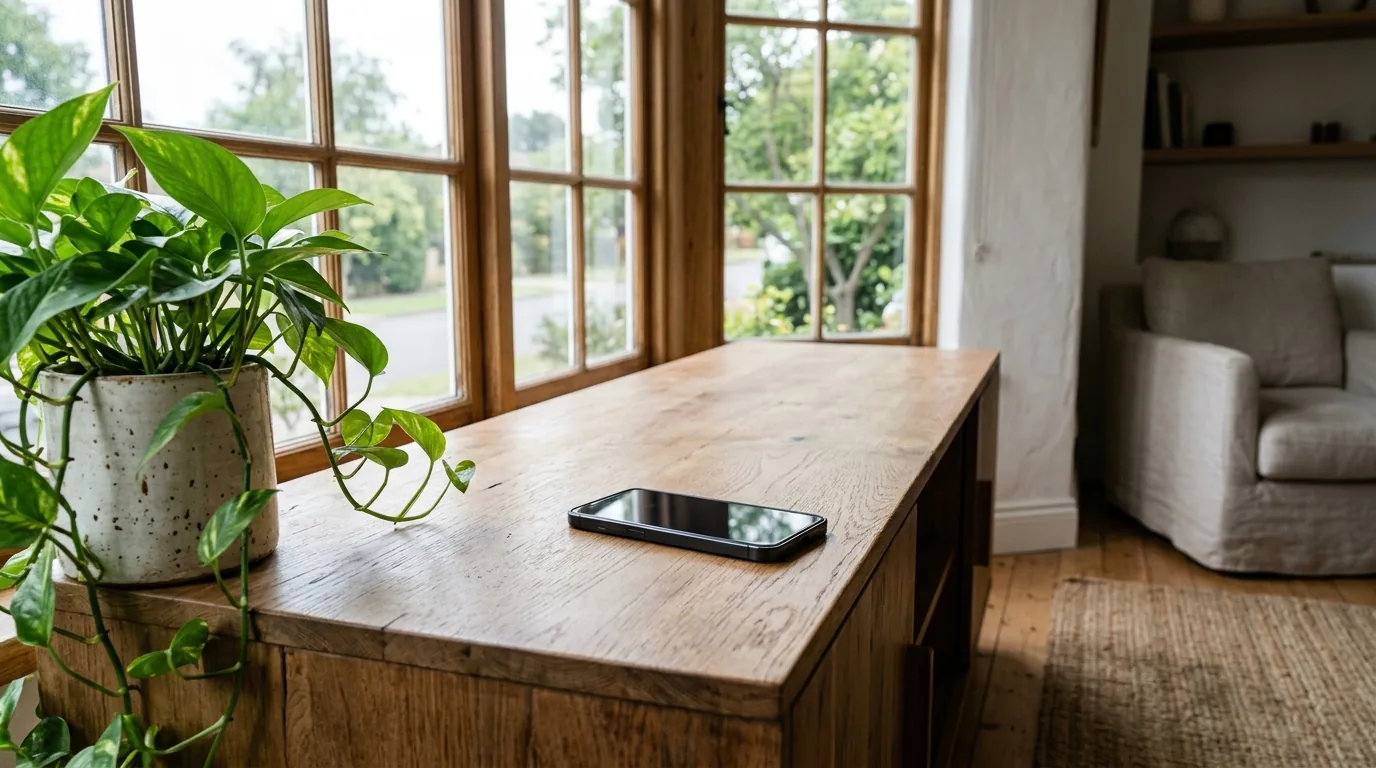
How to Measure the Light in a Spot With Your Phone
Where to put the phone, why you step back, what gentle, medium, bright and full sun mean in lux, and how far to trust the number. With a test against a real lux meter.
Read the article · 5 min read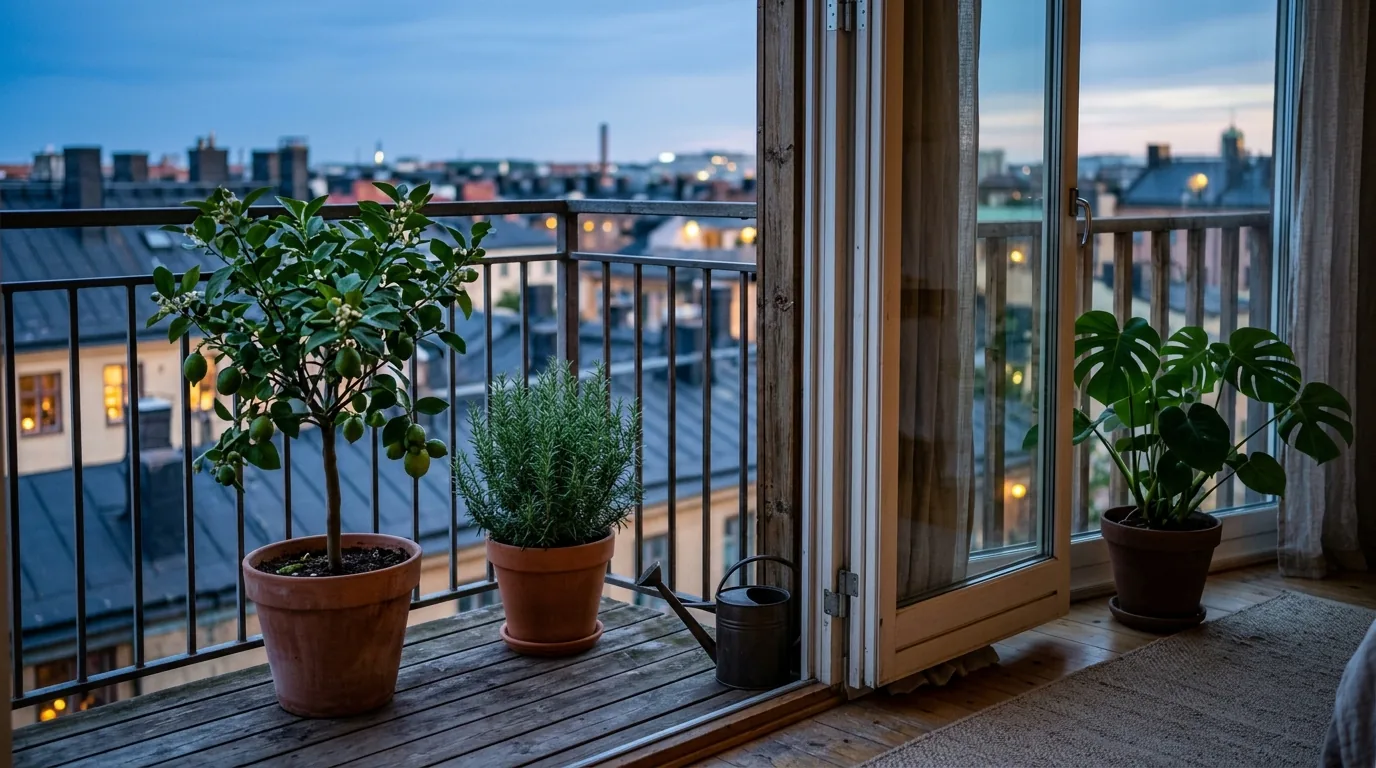
Can Your Houseplants Go Outside for the Summer? Check the Coldest Night
Warm afternoons are not the limit. The coldest night of the month is, and in Munich, Paris or London even July has nights too cold for a monstera. Here are the numbers for five cities and six plants.
Read the article · 5 min read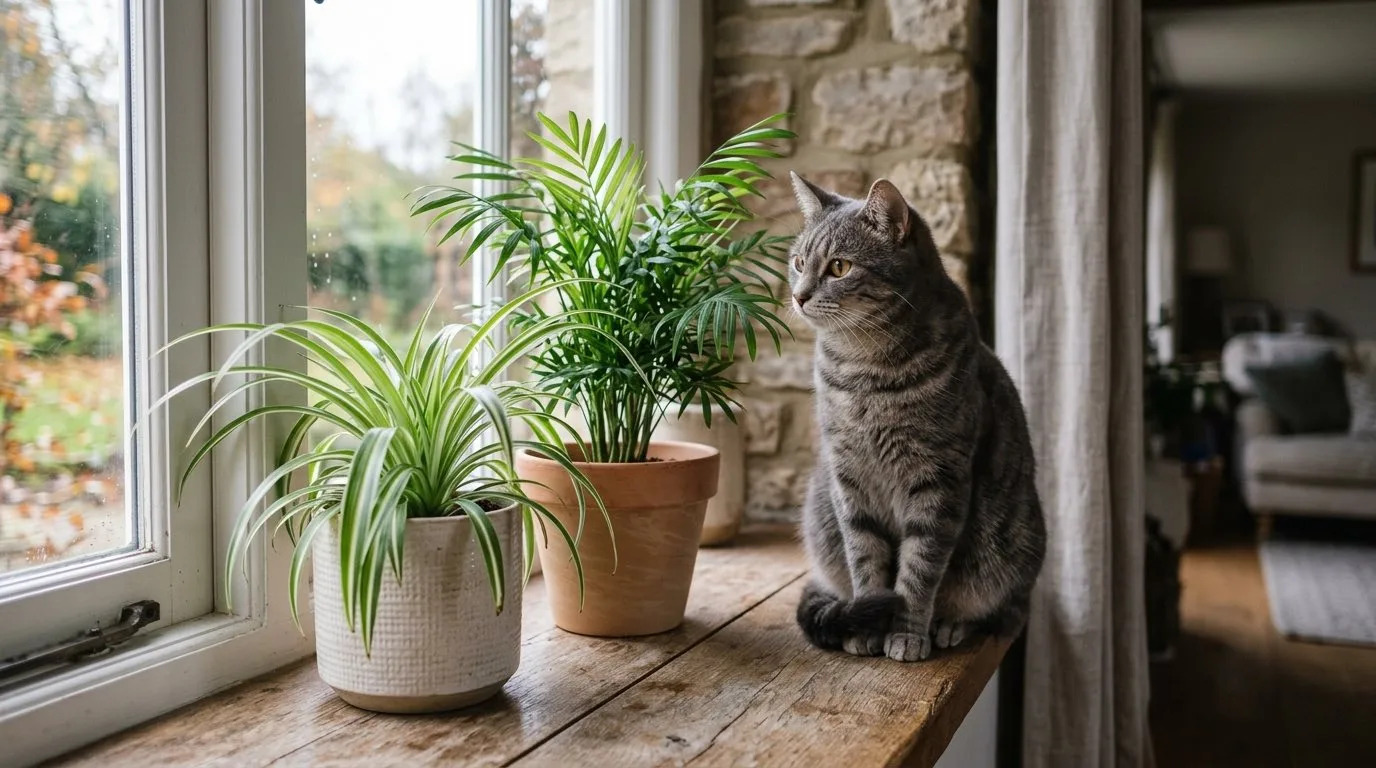
Which Houseplants Are Actually Safe for Cats and Dogs
Most pet-safe plant lists have two answers. The real data has three. Of 100 common houseplants, 28 are listed non-toxic, 33 are listed toxic, and 39 nobody has settled.
Read the article · 8 min read